Free resume builder: make a CV the whole world will read.
A free, browser-based resume & CV builder. Pick a country format, fill it in, download as PDF or editable Word. Nothing is uploaded — it all runs on your device.
Free tools to land the job
No paywalls, no trial timers. Open a tool and start — every export is genuinely free.
Resume Builder
Quick CV maker with 46 templates — click any text on the page to edit it. Build and download in minutes.
Open toolCV Builder
Longer academic and European CVs with photo, date of birth and structured sections.
Open tool UpdatedCover Letter Writer
Switch between 26 sample letters, run the letter check and match it to the job ad — same header, font and colour as your resume.
Open tool NewCover Letter Examples
26 free templates by job and situation — entry-level, career change, nurse, teacher, sales, software and more.
Open tool NewMotivation Letter Generator
16 editable examples — university, PhD, MBA, Erasmus, scholarships, jobs, internships, visas and more. PDF and Word.
Open tool NewJob Application Tracker
Board, table and calendar views with interviews, follow-up reminders, tasks and Excel import and export.
Open tool FreeATS Score Checker
Get a readability score: contact details, sections, dates, skills and layout checked against screening-software rules.
Open toolTemplate Gallery
Filter by columns, photo and region. Preview every layout before you start.
Open tool 40+ countriesInternational CV Format
Photo, date of birth and length rules for 40+ countries — then build in that format.
Open toolFrom blank page to hired in 3 steps
Pick a format & template
Choose the country you're applying to and a template that fits the role. The layout adjusts itself — photo on or off, length, sections.
Fill in & watch it build
Type your details once. The preview updates live as you go. Reorder sections, switch colours and fonts instantly.
Download PDF or Word
Export a pixel-perfect PDF for applying, or an editable Word file you can tweak later. No watermark, no account.
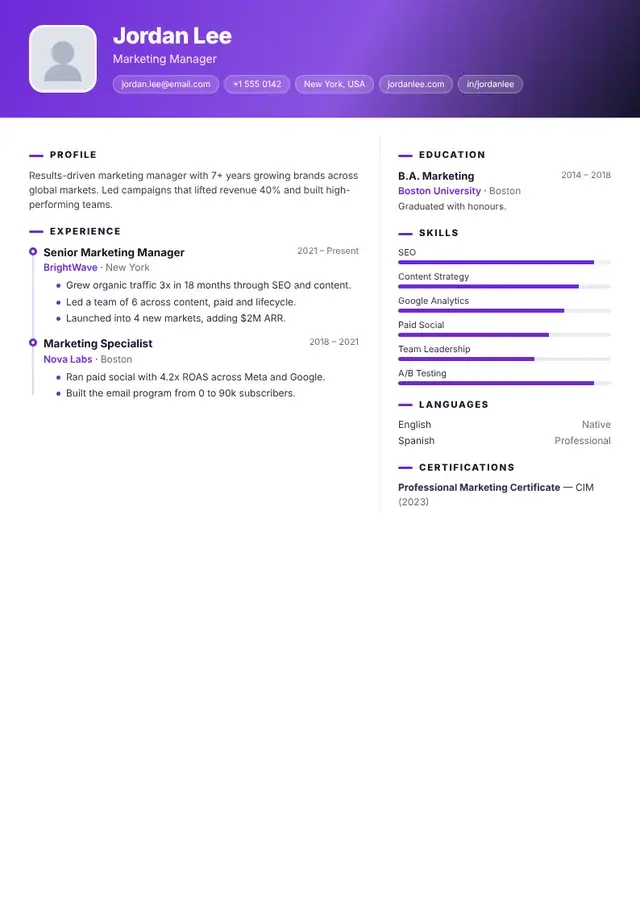
Recruiter-approved templates for every region
ATS-safe layouts that pass the screening software — and look great to the human after it.
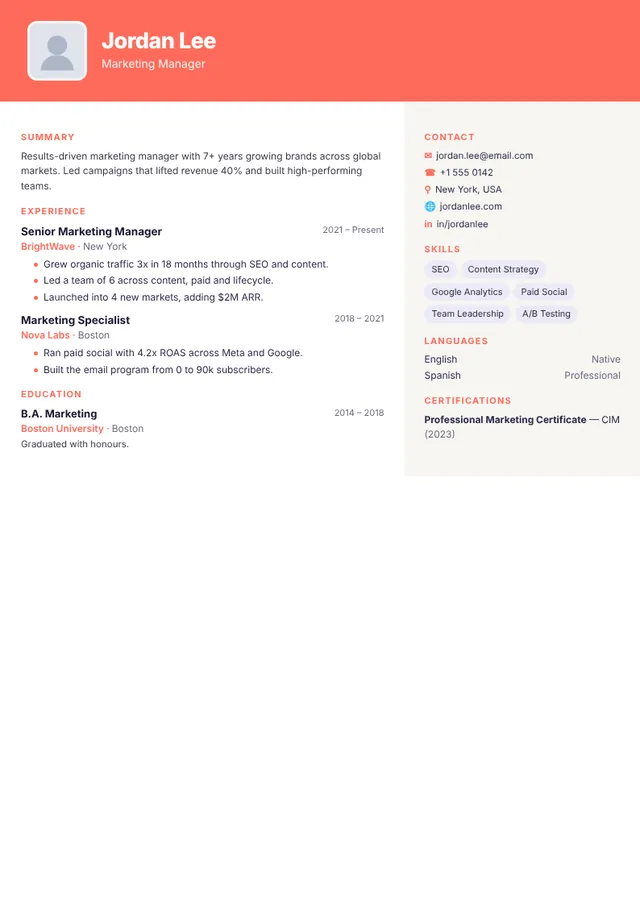
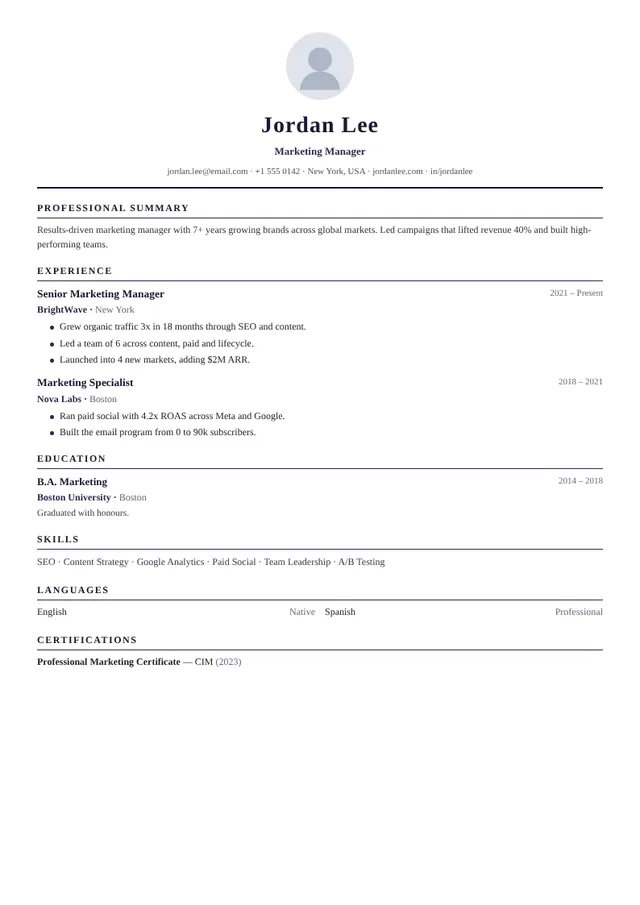
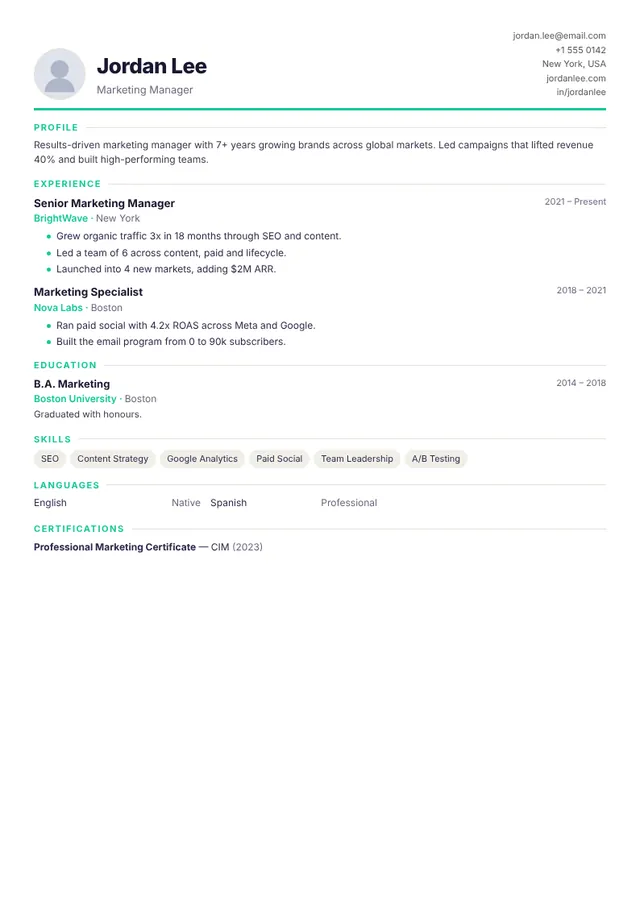
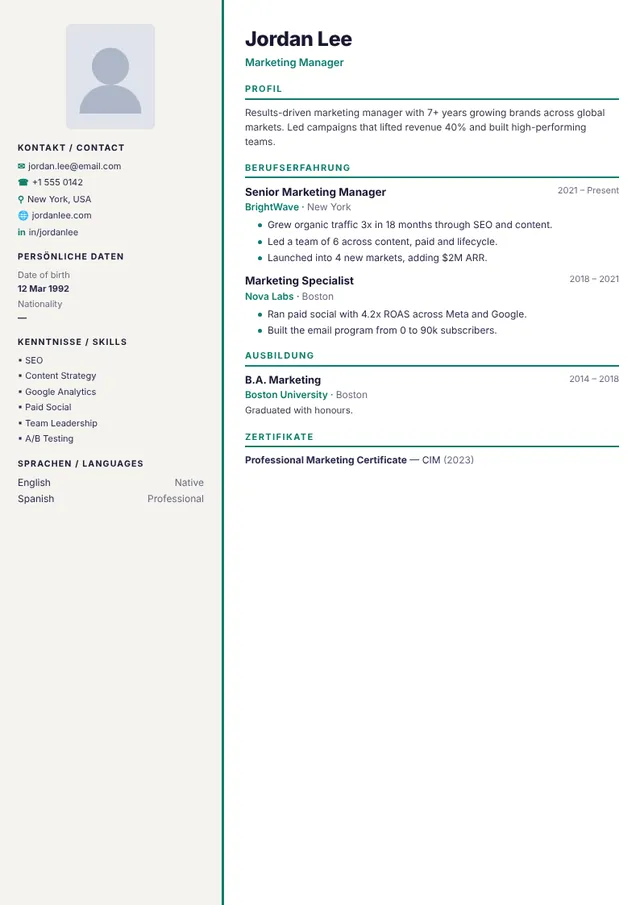
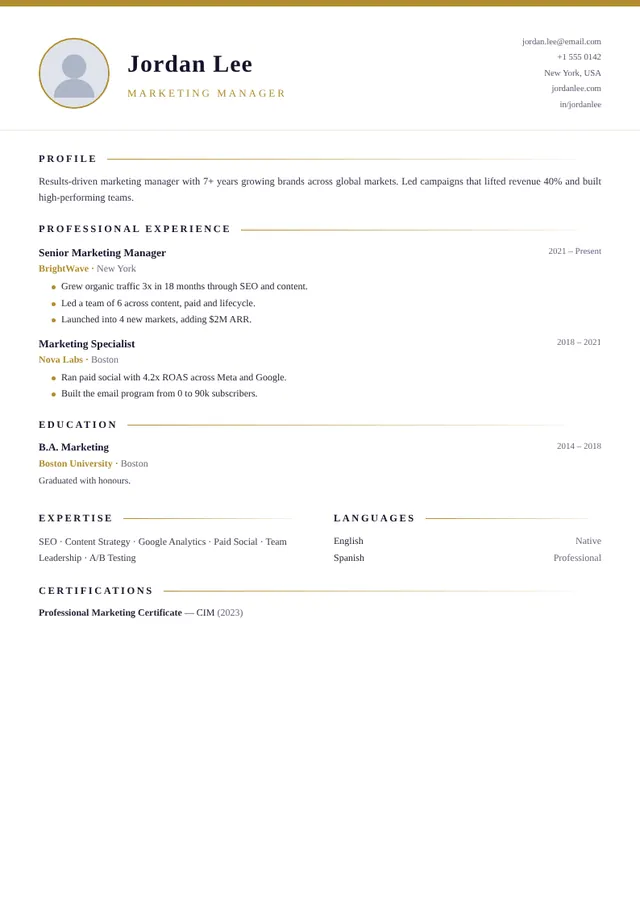
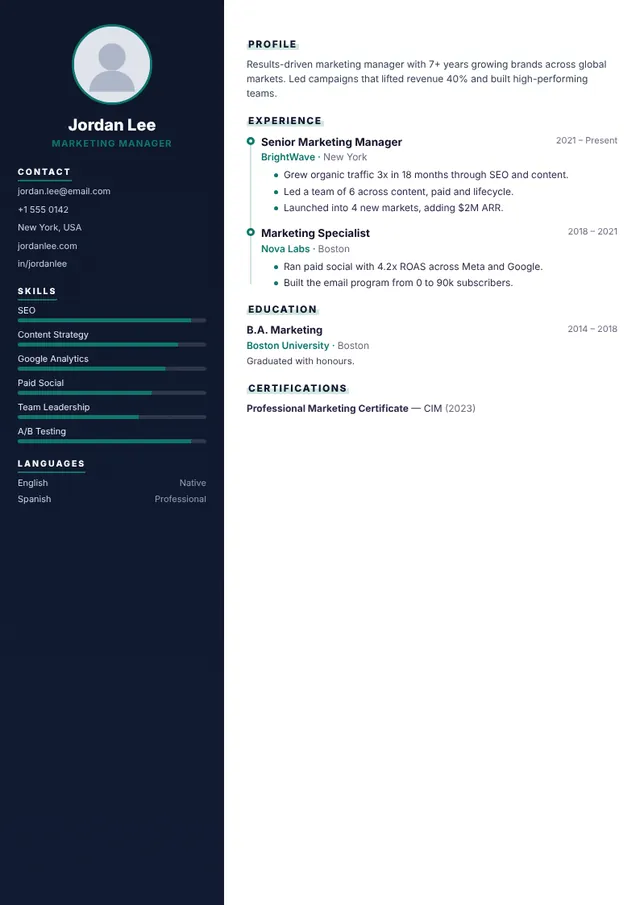
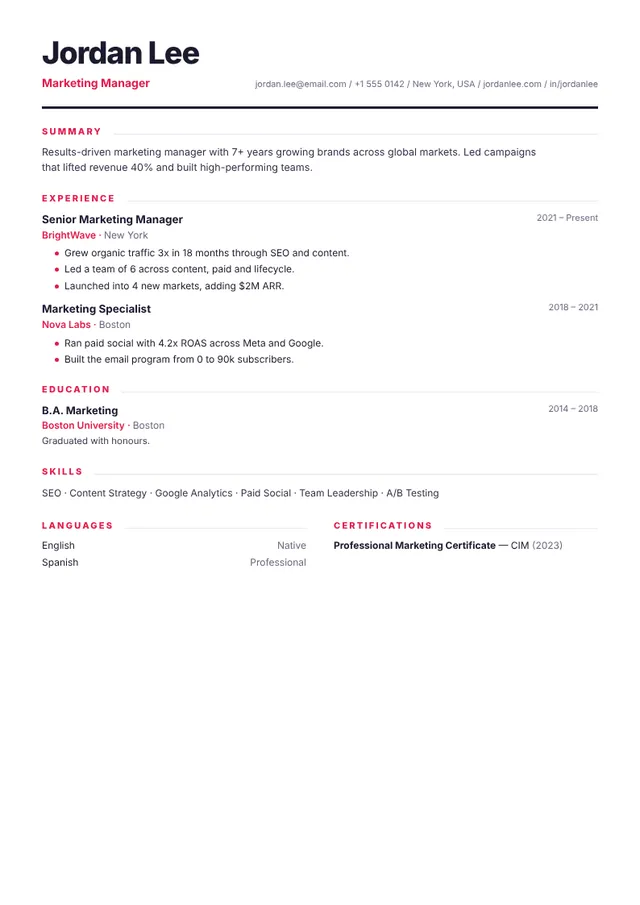

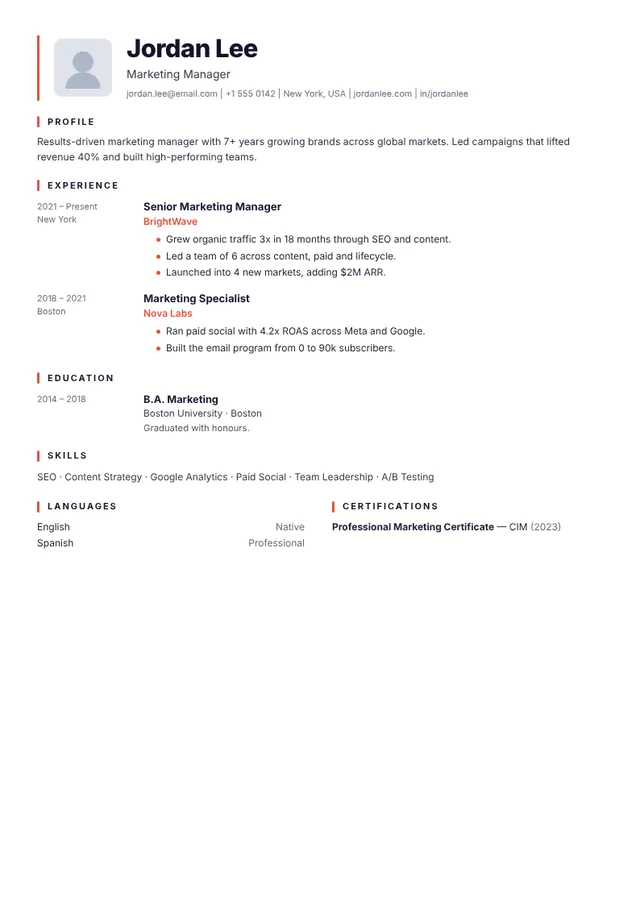
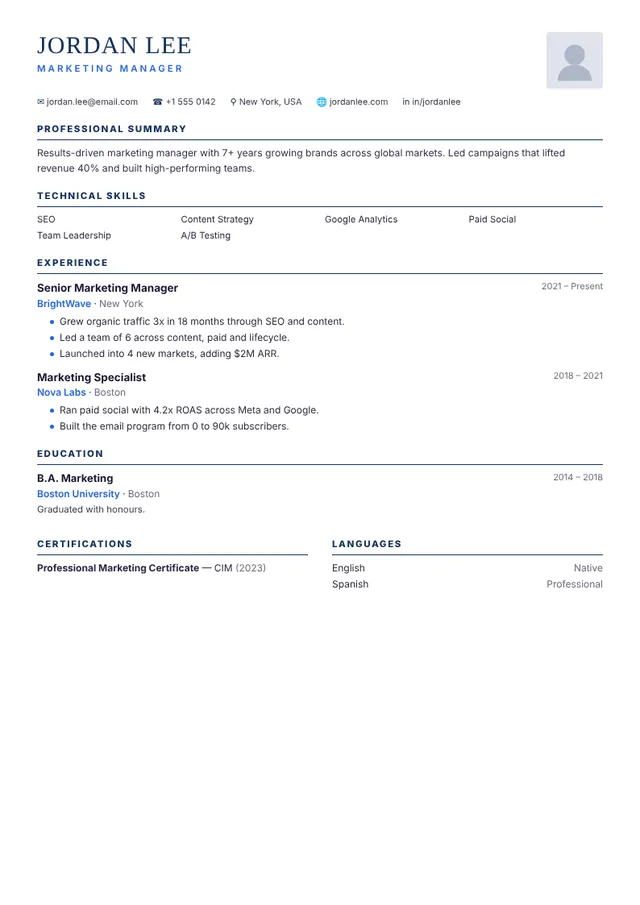

One resume does not fit all countries
A CV that wins in Berlin can get filtered out in New York. Switch the format to match where you're applying.
United States / Canada
Achievement-driven. No photo, age or gender (anti-discrimination law).
United Kingdom / Ireland
Personal statement on top. Detailed career history. Photo discouraged.
Continental Europe (DE / FR)
Highly structured & chronological. Headshot, date of birth & nationality common.
Asia / Middle East
Broad personal + professional detail. Photo, marital status & visa status often expected.
Latin America
Photo and personal details common. Formal, education-forward layout.
Photo, date of birth, length and language rules for 41 countries — then build in that format.
Who QuickCVLab is for — and who it is not
QuickCVLab is a free, self-service resume and CV builder for people who write their own application documents. Pick the profile closest to yours and start from the template that fits it.
Students & freshers
First resume, little or no work history. Use a single-column ATS-safe layout such as Lumen and lead with education, projects and skills.
Applying abroad
Moving to Germany, the UAE, Japan or the US? Switch the country format and the builder adjusts photo, date of birth and length rules. Try Diplomat for Europe-style CVs.
Professionals & career changers
Reverse-chronological history with quantified achievements, in a clean layout that applicant tracking systems read easily. Start with Meridian.
Academics & scholarship applicants
Long-form academic CVs with publications and research, plus the motivation letter generator for university and scholarship applications. See Syllabus.
Engineers, designers & creatives
Project-focused layouts for engineering (Blueprint) and portfolio-style layouts for creative roles (Folio).
Not for you if…
You want a human writer to draft your resume, or a job board that submits applications for you. QuickCVLab is a do-it-yourself builder, and it does not guarantee interviews or how any employer's system reads a file.
How we verify what this site tells you
Country hiring conventions are easy to get wrong and easy to repeat wrongly. Here is exactly where our guidance comes from and what we refuse to do.
Law first
Photo, age and marital-status rules follow national equal-treatment law — the UK Equality Act 2010, US EEOC guidance, EU equal-treatment directives — not blog consensus.
Official formats
Europass structure comes from the EU's own documentation. Visa and permit categories (Swiss B/C/L, Singapore EP/S Pass, Gulf Iqama transferability) come from government immigration pages.
Two-source rule
Where no statutory rule exists, we publish a convention only when at least two independent career-guidance publishers agree. Where they disagree, we label it optional instead of guessing.
Dated, not evergreen-faked
Each page shows a real published date and a real last-reviewed date. Country guidance is re-checked every 3 months. We never set "updated today" automatically.
No invented proof
You will not find testimonials, star ratings or "trusted by 500,000 users" on this site, because we cannot evidence them. Nothing here is a fabricated social proof number.
Testable claims
The privacy claim is verifiable: open your browser's network tab while you type. No request carries your resume content, because the builder runs entirely on your device.
“The ADEA does not specifically prohibit an employer from asking an applicant's age or date of birth. However, because such inquiries may deter older workers from applying for employment or may otherwise indicate possible intent to discriminate based on age, requests for age information will be closely scrutinized…”
Primary sources we rely on include: the EU Europass CV documentation, national equal-treatment legislation such as the UK Equality Act 2010 and the US EEOC guidance on prohibited employment practices, government work-permit pages, and published ATS parsing research such as Jobscan's Fortune 500 ATS study and The Ladders' recruiter eye-tracking study. Full policy on the editorial standards page.

Your career data never leaves your browser
Most builders upload your resume to their servers. We don't. QuickCVLab runs entirely on your device — there's nothing to leak, sell, or breach.
- 🔒
No account, no upload
Start instantly. We never see your name, email or history.
- ⚡
Works offline
Once loaded, the builder keeps working with no connection.
- 📄
You own the file
Export and the document is yours — no watermark, no lock-in.
Where your data goes
That's the whole journey. No server in the middle. No database with your job history. Compare that to builders that store everything you type.
What is QuickCVLab?
Why does an ATS-friendly resume matter?
Because most medium and large employers screen resumes with software before a human ever reads them. Over 97% of Fortune 500 companies use an applicant tracking system (ATS), and research on recruiter behaviour found that recruiters spend an average of only 7.4 seconds on the first scan of a resume. A clean, correctly structured resume is what gets you past both filters. Sources: Jobscan ATS research · Ladders eye-tracking study
How do I make a free resume on QuickCVLab?
Making a free resume takes about 10 minutes:
- Open the free resume builder — no account or email needed.
- Pick one of the 46 templates and your country format (US, UK, EU, Asia or Latin America).
- Fill in your details — or click any text on the live page and type straight onto it.
- Run the built-in free readability (ATS) checker and look at Application view to catch problems.
- Download a text PDF, a Word (.docx) file or a design PDF — free, no watermark.
Is QuickCVLab better than paid resume builders?
For most job seekers, yes — because the biggest difference is at the download step. Many well-known resume builders let you build for free but charge $2–$25 (or start a subscription) the moment you try to download. QuickCVLab's downloads are genuinely free:
| Feature | QuickCVLab | Typical paid builders |
|---|---|---|
| Price to download PDF | Free, unlimited | $2–$25 or subscription |
| Editable Word (.docx) export | Free | Usually paid tier |
| Account / email required | No | Yes |
| Where your data is stored | Only your device | Their servers |
| Watermark on free plan | Never | Common |
| Templates | 46 (all free) | 20–40 (mostly locked) |
| ATS resume checker | Free, built-in | Paid add-on |
| International formats | 5 regions built-in | Rare |
Is QuickCVLab safe and private?
Yes. QuickCVLab is a client-side application: your name, contact details, work history and photo are processed in your own browser and auto-saved only to your device's local storage. Nothing is uploaded to a server, which is a stronger privacy model than builders that store your resume in a cloud account.
Worked example: rewriting a weak resume bullet (Before and After)
Whether you use a single-column or two-column template, recruiters scan for outcomes rather than job duties. Compare how the same experience reads before and after applying our ATS-friendly resume rules and date formatting guide:
- ❌ Before (vague duty): "Handled customer queries, updated spreadsheets and helped the sales team."
- ✅ After (action + tool + metric): "Resolved 90+ daily customer support tickets in Freshdesk with a 97% CSAT rating, and automated weekly lead-tracking sheets in Excel to save the 6-person sales team 4 hours per week."
Common mistakes to avoid before you download
- Using the wrong country format: Including a photo or date of birth on a US, UK or Canadian resume can trigger anti-discrimination filters; omitting them in Germany or Switzerland can look incomplete. Check our CV photo and date of birth guide.
- Uploading an image PDF to an online portal: Always choose Text PDF or Word (.docx) for online job portals, and run the free ATS score checker first.
- Sending the same generic resume to every job: Match your summary and core skills to each job posting, attach a tailored cover letter, and log each application in the job application tracker. Read all 11 resume mistakes to avoid.
Does QuickCVLab support international resume formats?
Yes — this is one of its biggest strengths. Pick a country and the builder switches to the right international resume format automatically: photo and date-of-birth fields appear for Germany/EU and Gulf conventions, disappear for the US/UK, and section order adapts. If you need a CV format for abroad, the international CV format guide lists the photo, date-of-birth, length, date-format and language rules for 40+ countries individually.
Everything you might ask
Is QuickCVLab really free?
Yes — completely. The builder, all 46 templates and both PDF and Word downloads are free, with no sign-up, no trial timer and no watermark. The site is funded by ads, not by charging you.
Is QuickCVLab the best free resume builder with no sign-up?
QuickCVLab is one of the very few resume builders that is genuinely 100% free: every template, the builder, the ATS checker and both PDF and Word downloads cost nothing and require no account. Most competitors show a paywall at the download step; QuickCVLab never does.
What is QuickCVLab?
QuickCVLab is a free online resume and CV builder that runs 100% in your browser. It includes 46 ATS-friendly templates, international formats for 5 regions, a free ATS resume checker, and PDF plus editable Word downloads — no account needed.
Do I need to create an account?
No. Open the builder and start typing right away. Because everything runs in your browser, there is no account and nothing to upload.
Can I download my resume as a Word document?
Yes. Export a real Word (.docx) file as well as PDF, so you — or a recruiter — can keep editing it in Microsoft Word, Google Docs or LibreOffice. Word layout is simplified and can differ from the design PDF.
Are the resumes ATS-friendly?
No tool can guarantee that. Single-column templates such as Meridian, Mono, Horizon, Quartz, Lumen and Signal use standard headings that applicant tracking systems read easily, and any template can be downloaded as a Text PDF or .docx in a simple reading order. The free readability checker flags common problems before you apply.
Are the premium templates also free?
Yes. The premium collections — Nova, Monarch, Vertex, Horizon, Prisma, Noir, Cascade, Sage, Regal, Pulse, Atlas, Zenith, Ember, Quartz, Lumen, Fjord, Terra and Crest — are completely free like everything else. "Premium" refers to the advanced design (timelines, skill bars, luxury layouts), not a price.
Which countries' resume formats are supported?
Switch between United States/Canada, United Kingdom/Ireland, continental Europe, Asia/Middle East and Latin America. Each preset adjusts the photo, date of birth and length conventions for you.
What languages can I build my resume in?
The interface comes in 12+ languages, and you can type content in any language or script — including right-to-left languages like Arabic. Word (.docx), design PDF and Print support any script; the Text PDF covers Latin-script languages and switches to Print for others.
Can QuickCVLab build a CV in an international format?
Yes. There is no single international CV format. An international CV is your CV adapted to the destination country's conventions — length, whether a photo and date of birth belong on it, the document name, the date format and the language. The professional core stays the same everywhere. See the country-by-country rules for 40+ countries.
Should I put a photo and date of birth on my CV?
It depends entirely on the country. No photo or date of birth for the US, Canada, UK, Ireland, Australia and New Zealand, where they raise discrimination concerns. Yes for Germany, Austria, Switzerland, France, Spain, Italy, Russia, the Gulf states and most of Asia and Latin America. Pick a country format in the builder and the fields switch on or off automatically.